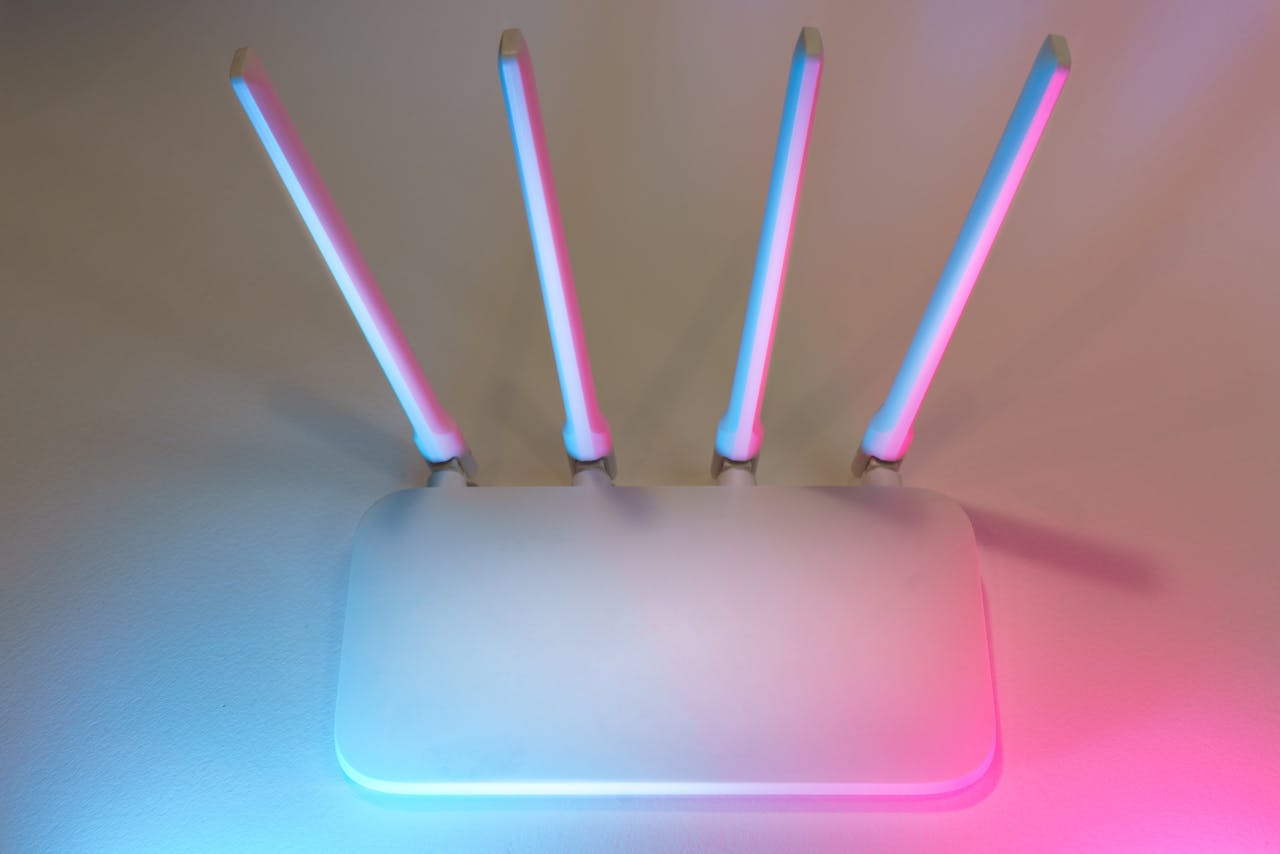
When home Wi-Fi misbehaves, the problem is often sitting right beside the router. Everyday gadgets, screens, and appliances compete for the same invisible lanes of radio traffic, and the result can feel like a slow, unreliable internet plan. In reality, the connection itself is often fine; it is the neighborhood around the router that is noisy. By moving a few familiar devices out of the way, households can reclaim lost speed, stability, and a little bit of sanity in the process.
Baby Monitors That Share the Same Airspace

Baby monitors feel non negotiable, but many models shout on the same 2.4 GHz band as a typical router, crowding the air with video and audio traffic. Every time the camera checks in on the crib, the Wi Fi signal must fight through that extra noise, and streaming apps are the ones that stutter. Placing the monitor across the room, in a hallway, or on a different wall lets both devices breathe, keeping the nursery safe while the rest of the network feels steady and predictable again. It often feels easier to blame the service provider or rush into a new plan, yet a simple shift of this single device can unlock speed that is already paid for and waiting each day.
Microwaves Hiding on the Kitchen Counter
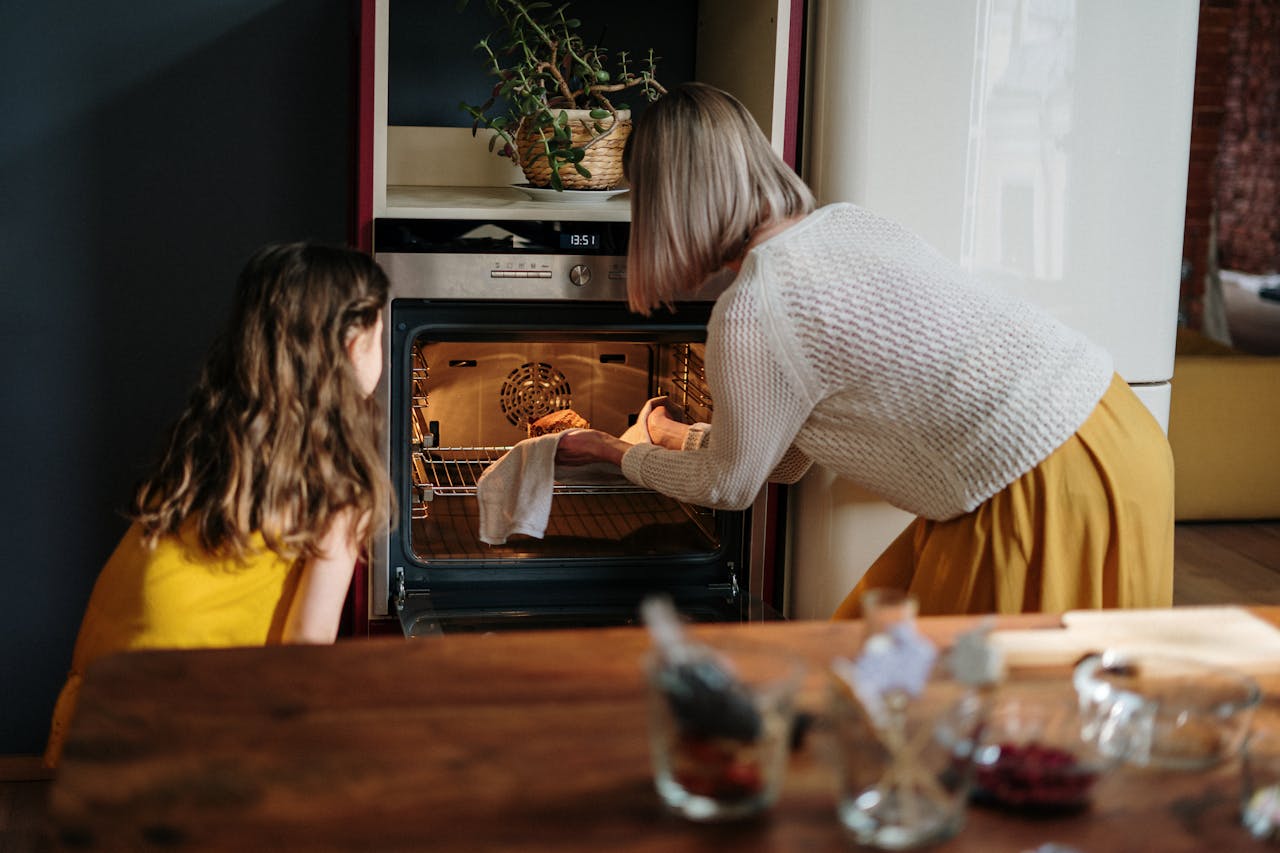
Microwave ovens usually claim a proud spot on the kitchen counter, which is exactly where many routers end up, yet they leak just enough 2.4 GHz energy to bruise Wi Fi performance. Each time leftovers are reheated, the magnetron inside throws stray radio waves that tangle with wireless signals, so video calls freeze and downloads crawl at the worst moments. Moving the router to a nearby shelf, a side wall, or even the next room separates those fields and keeps both warm meals and smooth streaming possible during busy evenings. That simple relocation protects the router from steam and heat, trading a crowded counter for a calmer network that feels more steady daily.
Bluetooth Gadgets and Wireless Speakers
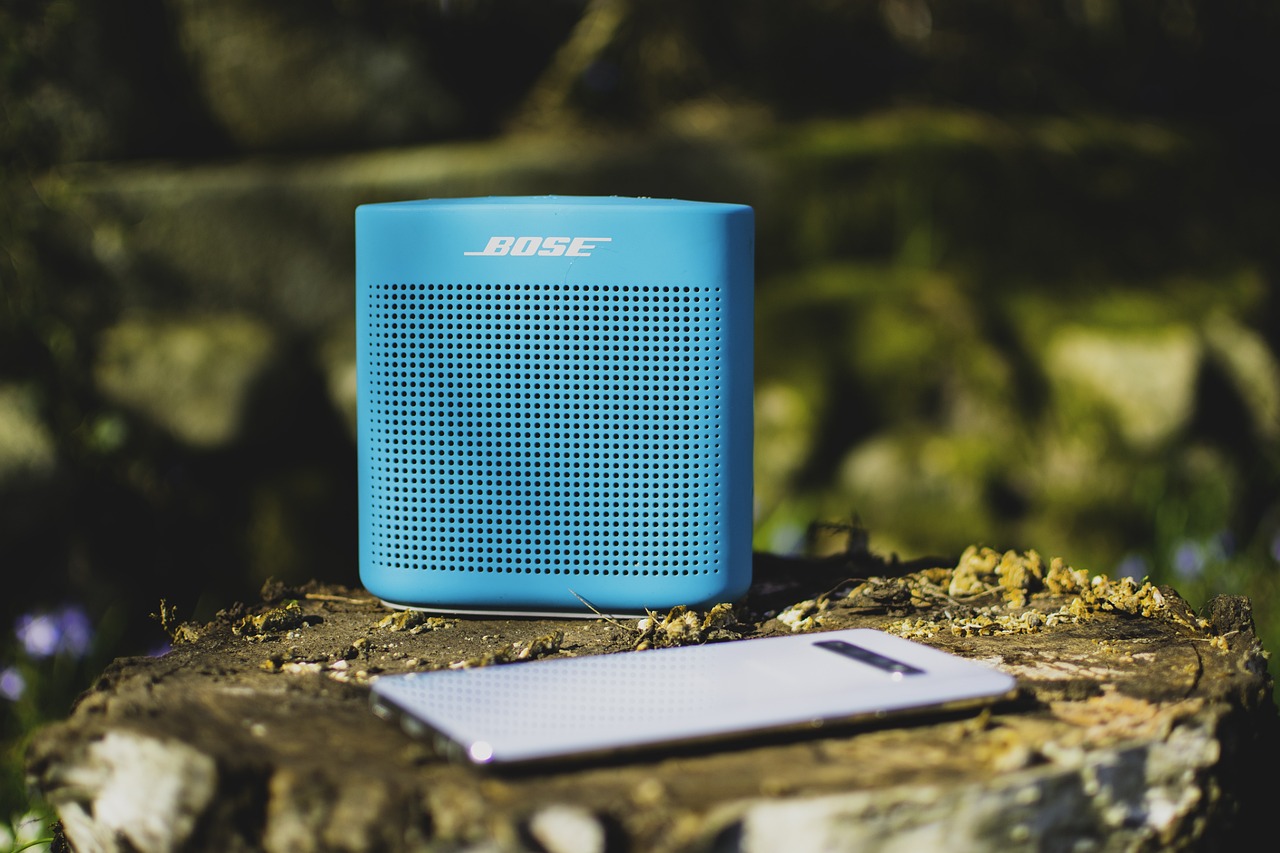
Bluetooth speakers, game controllers, and wireless headphones promise freedom from cords, yet they often chatter on the same 2.4 GHz band that older Wi Fi networks use. When several of them sit close to the router, every song, notification, and pairing attempt adds to a low hum of congestion that quietly eats into usable speed and stability. Storing controllers in a bin farther away, shifting speakers to another shelf, or leaning on the 5 GHz band keeps the air clearer and makes online play, music, and work feel smoother. That extra space may seem minor, yet it smooths pings, speeds up loading, and lets music, games, and calls share the signal without stumbles.
Cordless Phone Bases Parked Beside the Router
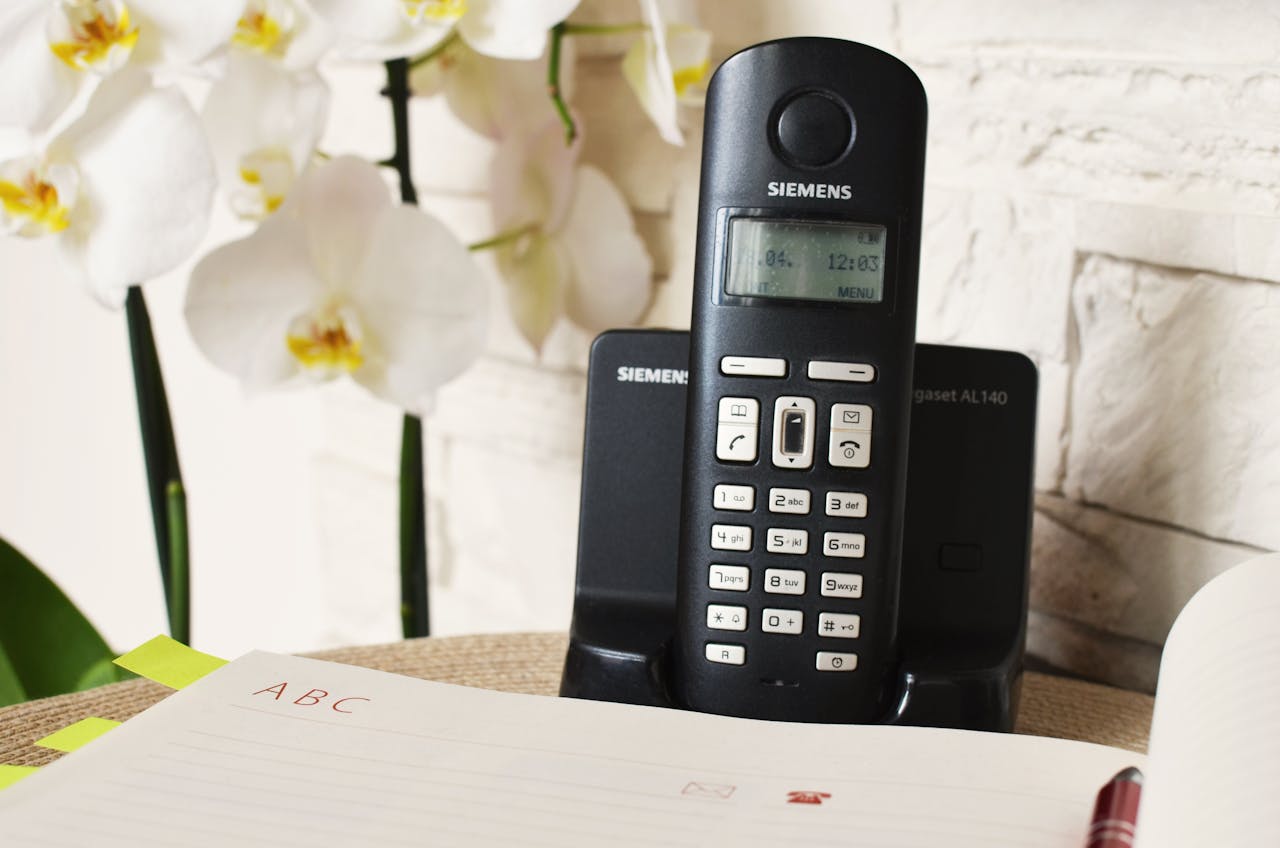
Cordless phones do not draw much attention now that smartphones dominate, yet their base stations still beam a steady radio signal that can bruise Wi Fi when parked beside the router. That nonstop broadcast, meant to keep handsets awake and ready, becomes a layer of background noise the network must push through every time someone opens a page or starts a movie. Shifting the base to a hallway table, office corner, or spare shelf lets calls stay clear while Wi Fi traffic recovers some much needed breathing room. That small move often removes a layer of noise, turning stray freezes into smooth scrolling and making the connection feel calmer and more dependable so.
Wireless Cameras and Smart Home Control Hubs

Security cameras, smart speakers, and home automation hubs promise safety and convenience, yet they chatter constantly across Wi Fi channels when clustered near the router. Each live feed, motion alert, and status ping helps the system feel responsive, but it also claims airtime that ordinary browsing and streaming quietly lose. Putting hubs on a separate shelf, spacing cameras out, or wiring key devices with ethernet spreads the load, so both daily habits and quiet protection can share the network without constant friction. That extra space often quiets the air, letting alerts stay reliable while films music, and work calls move across WiFi without strain. too.
Fridges, Metal Surfaces, Radiators, and Aquariums

Refrigerators, metal cabinets, radiators, and even large aquariums rarely look like threats to connectivity, yet metal and water are ruthless to radio waves. They reflect, absorb, and scatter the signal so thoroughly that the router feels boxed in, shrinking its reach to a few frustrating feet and leaving phones or laptops clinging to one bar. Lifting the router onto an open shelf, away from tanks and bulky appliances, lets the signal fan out cleanly and brings life back to rooms that once felt like dead zones. Even a small move off the fridge or away from a tank can turn a stubborn hallway into a place where calls games, and latenight scrolling feel easy again.