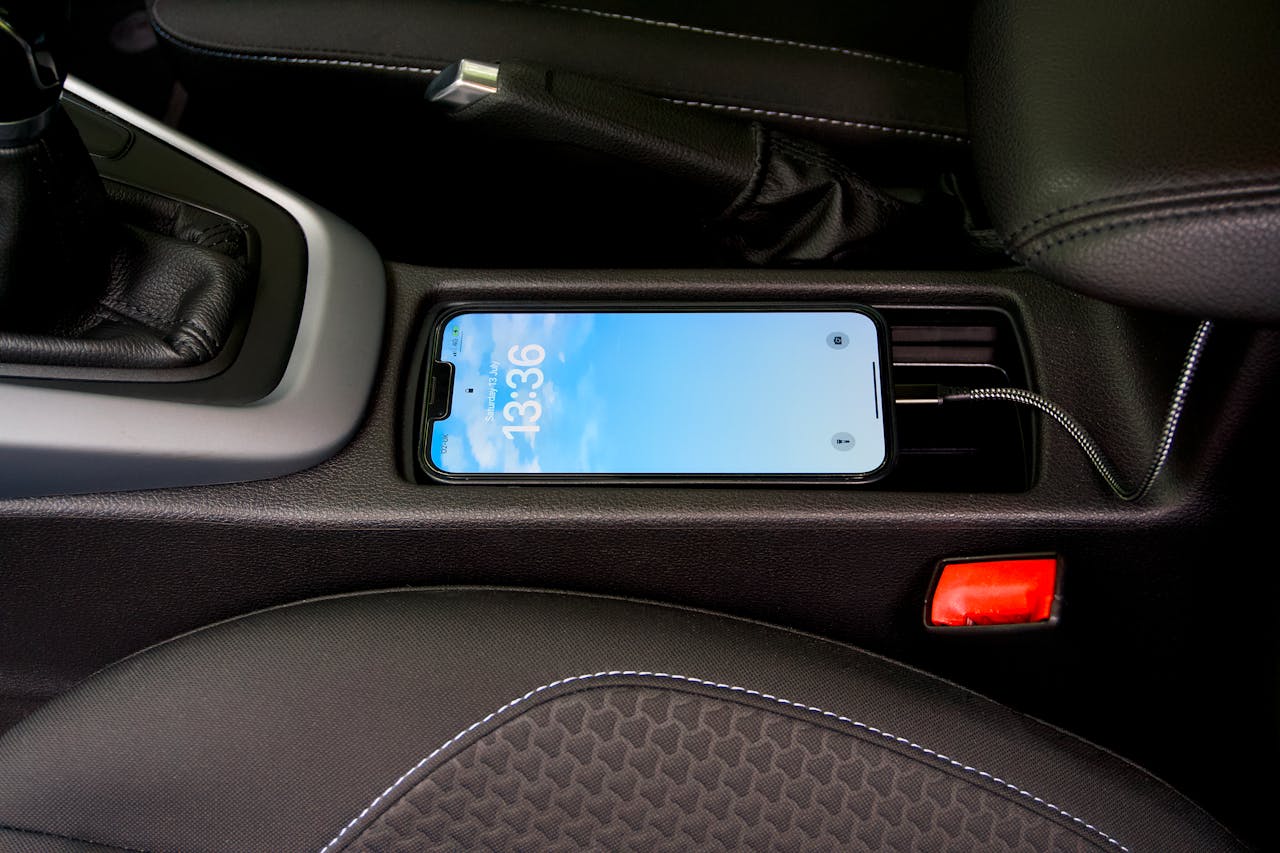
Car USB ports feel like a free perk, so most drivers plug in without thinking beyond a quick battery boost.
Here’s the thing: that socket lives inside a rolling computer, not a simple wall outlet with one job.
Many ports carry power and data on the same cable, so a charging session can also start a quiet handshake.
That handshake may be harmless, but it can also trigger syncing, logging, and permissions people tap past.
Charging can be slower than expected, which keeps phones warm for longer, especially with maps running.
Vehicles also create electrical noise, and cheap adapters can pass it on, stressing cables and connectors.
None of this means every car USB port is a trap; it means the safer default is to choose the right method.
With a few smart habits, drivers can keep their battery topped up without handing over data or cooking a phone.
Why a Car USB Port Is Not Just Power
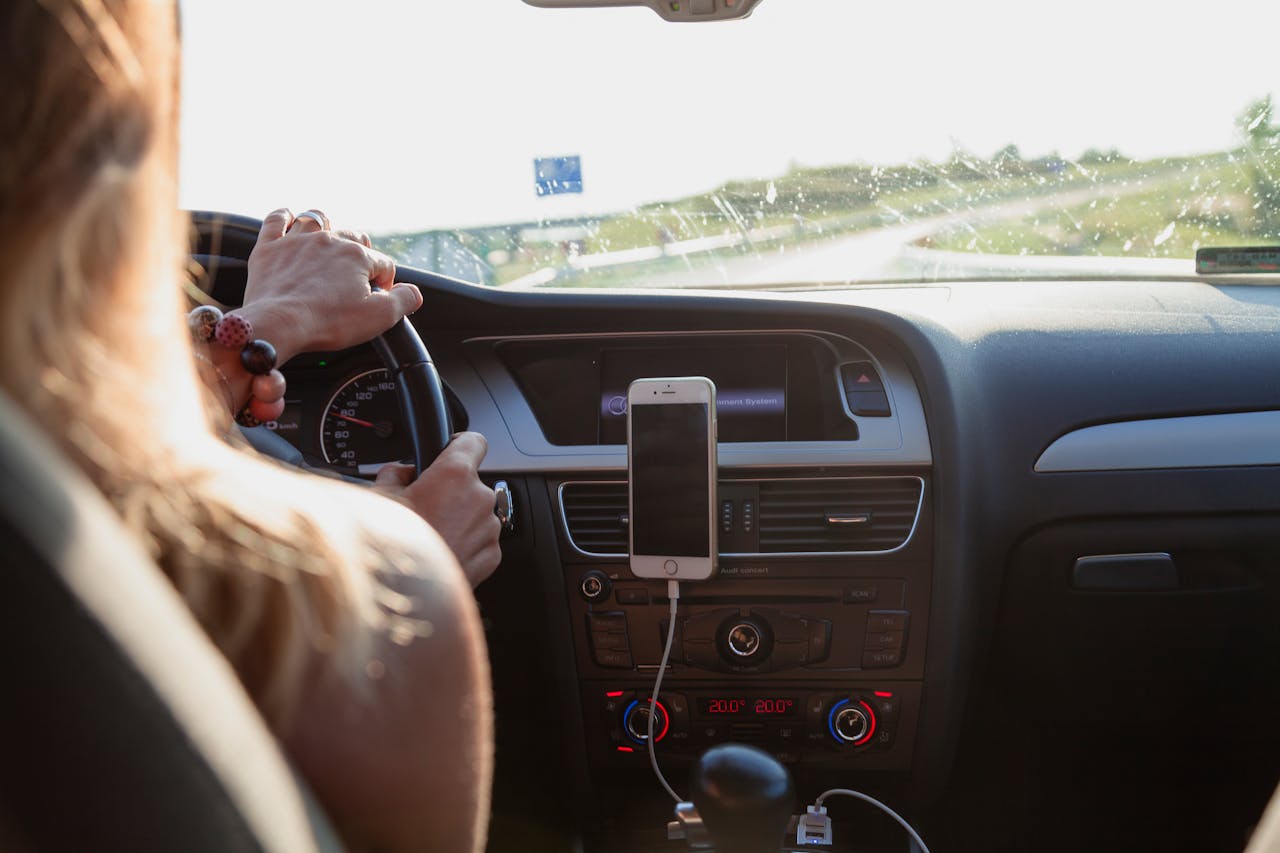
Many car USB ports are built for charging plus media control, so they expose data pins the moment a cable clicks in.
When data is live, the head unit can ask for device details. Phones may reply with identifiers and connection hints.
That exchange often triggers trust or sync prompts. Tapping allow can open doors to contacts, messages, and more.
Even when a driver declines, the system may still index media files and store small fingerprints about the device.
The Slow-Charge Trap That Wears Batteries Down
Older USB ports may deliver low current, so the phone gains power slowly while it keeps working hard in the background.
Slow charging stretches the time a battery spends warm, and heat is one of the fastest ways to shorten battery life.
Fast-charge standards need negotiation between charger and phone, and many factory ports do not support that conversation.
The phone then falls back to safer modes, which can feel like charging is broken even though it is technically working.
A hot cabin and a bright screen add stress, especially when navigation, music, and hotspot features run together.
That combination can make the battery level stall, so drivers arrive with less charge than when they started.
People often blame the phone’s age, but the bottleneck is the port and the mismatch between standards.
A better charger fixes it quickly, and it usually reduces heat because the phone spends less time on the cord.
Data Sync Prompts People Click Without Reading
Many infotainment systems pop up a trust or sync prompt the second a device connects, right when attention is split.
In that moment, people tap allow to get audio working, not realizing they may be granting access beyond playlists.
Depending on the phone and system, permissions can include contacts, call history, messages, photos, or app integration.
Even limited access can still trigger media scanning, which copies filenames and metadata into the head unit’s storage.
Some cars keep device profiles for months, so a quick charge today can leave a footprint that outlives the trip.
In rentals and shared cars, that footprint may mix with other users’ data, creating messy privacy surprises later.
The safest move is simple: say no unless syncing is truly needed, then revoke trust settings after the drive.
Public USB Habits Still Apply Inside a Vehicle
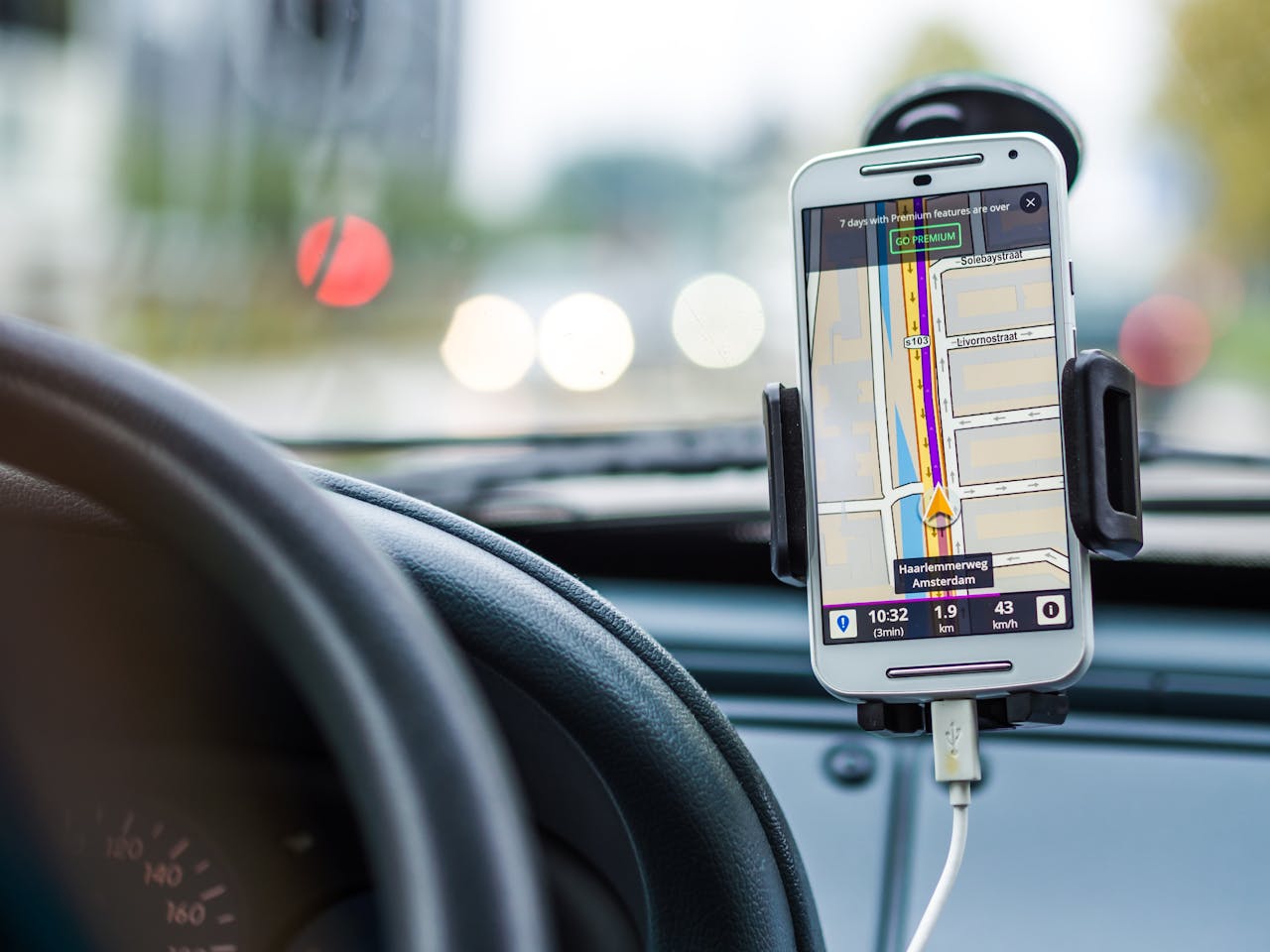
Public charging warnings exist for a reason, and a car’s USB port can pose similar risks when data lines are active.
A compromised head unit, a malicious adapter, or a modified cable can turn a normal plug-in into a data bridge.
Aftermarket systems and bargain USB accessories may skip security basics, and older software can remain unpatched for years.
Cars stay on the road far longer than phones, so outdated firmware has more time to become a real problem.
Being picky is not dramatic; it is the same logic used for public ports, applied to a device that follows you daily.
How Power Surges and Noise Can Fry Accessories
Vehicles generate voltage changes when engines start, fans kick on, or alternators shift load during a drive.
A weak port or low-quality adapter can pass that noise into charging circuits, stressing the cable and the connector pins.
Phones have protection, but repeated spikes can cause flaky charging, random disconnects, or melted plastic at the plug.
The first failure is usually a cheap cord, yet the heat can also damage the port and create a costly dashboard repair.
Multi-port hubs and splitters are common culprits, because cramped spaces trap heat and increase contact resistance.
Good hardware reduces the odds, but the safest approach is a quality 12V charger with proper regulation.
Smart Habits That Make Car Charging Safer
Use a 12V socket charger from a reputable brand, and pair it with a cable rated for your phone. This cuts heat and time.
If the car USB port is the only option, choose a charge-only cable or a USB data blocker to disable the data pins.
Decline sync prompts unless you truly need them. Afterward, review connected-device settings and remove trust entries.
Keep the phone cool by moving it out of sun and away from trapped spots, because cooler charging is kinder to batteries.
What to Do in Rentals, Taxis, and Ride Shares

Treat shared vehicles as unknown devices, because their systems have seen hundreds of phones and settings over time.
Skip contact sync, message access, and call history sharing, and avoid plugging in a data cable unless you must.
Bring your own 12V charger or a power bank, then forget the car in your phone’s settings if you paired anything.
When a Car USB Port Is Fine to Use
If the port is clearly labeled power-only, the risk drops because there is no data channel to negotiate permissions.
Some newer cars also provide dedicated charging ports separate from infotainment, which keeps media systems out of the loop.
Using your own cable and refusing data prompts further limits exposure, especially if you only need a quick top-up.
For the fastest, cleanest power, a quality 12V charger is still the best default when drivers want simple and predictable.