Peak-hour dining runs on small handoffs. A host seats quickly, a server starts drinks, and the menu answers questions before they surface in a loud room. When that first scan stalls, a table goes quiet, and the delay spreads to the bar and the kitchen without anyone raising a hand.
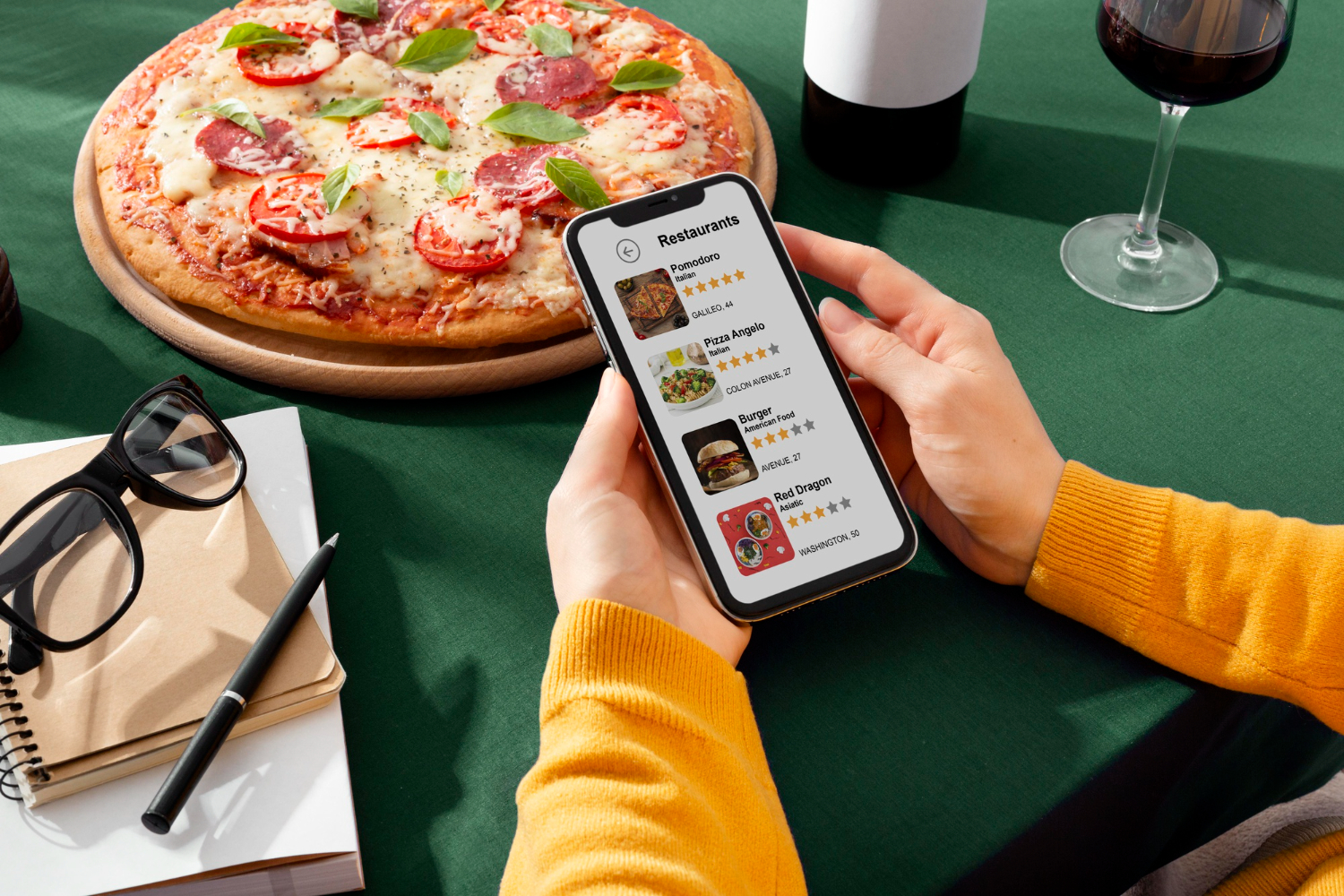
QR menus can be fast, but only when they load cleanly on normal phones and weak signal. Pros say the fix is rarely fancy: keep pages light, keep essentials visible, and keep a backup ready for dead batteries or spotty data. Even a well run room can feel stuck if guests are trapped on a loading screen. At 7 p.m., one extra minute can bend the whole service rhythm.
One Code Per Table
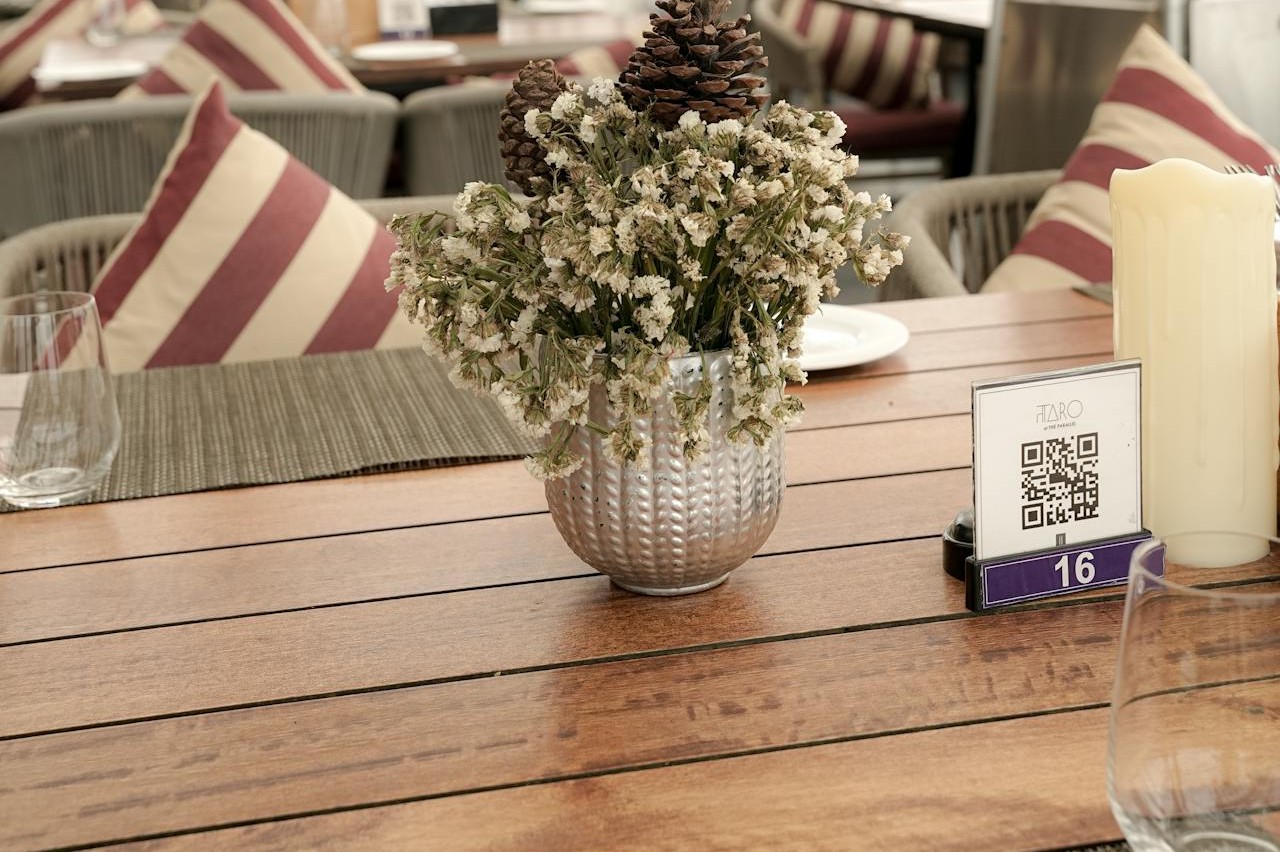
One sticker per table turns ordering into a single-phone relay. Groups pass a device around, zoom, lose their place, and wait for the one person with signal to load the page. In dim rooms, cameras hunt for focus, and the first minute disappears into scan retries instead of browsing. The phone holder ends up reading options aloud while others sit idle.
Pros see the ripple as late drink orders and slower first decisions. Two codes at both ends let everyone browse at once, and a short printed URL helps when the camera fails. A small paper fallback for specials and kids’ items keeps momentum when batteries dip or the link glitches.
Forcing App Downloads Or Logins
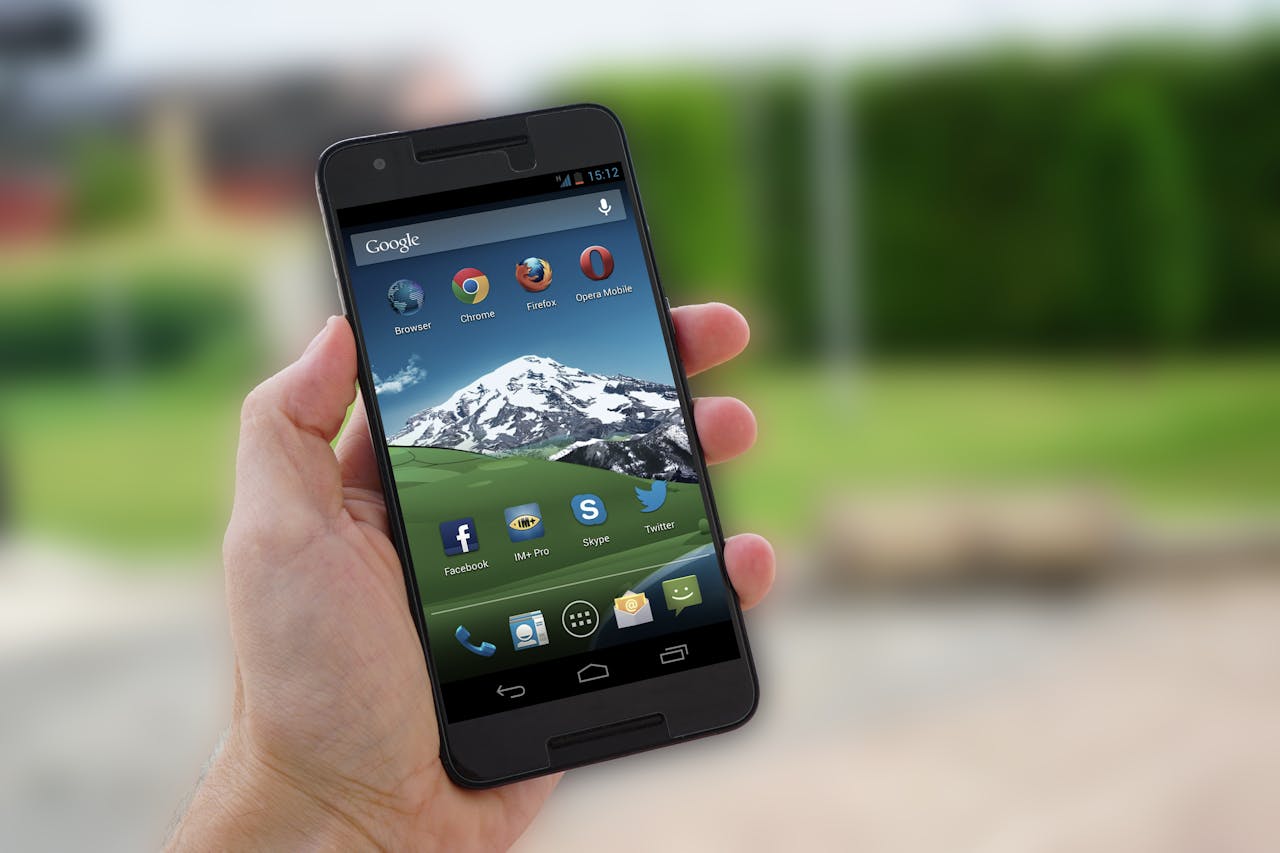
A QR menu that demands an app download or a sign-in steals the first burst of energy at the table. Phones ask for passwords, updates, or one-time codes, and older devices lag under weak reception. What looks like a quiet pause is really stalled service, because no one can order until the screen cooperates. The delay often lands on the server.
Pros favor a lightweight web page that opens in one tap and works on cellular. If loyalty perks matter, the opt-in can happen after checkout, not before food. Removing gates cuts abandoned scans, reduces tech questions, and keeps the first server check focused on choices instead of troubleshooting.
Building Menus That Load Like Gallery Pages
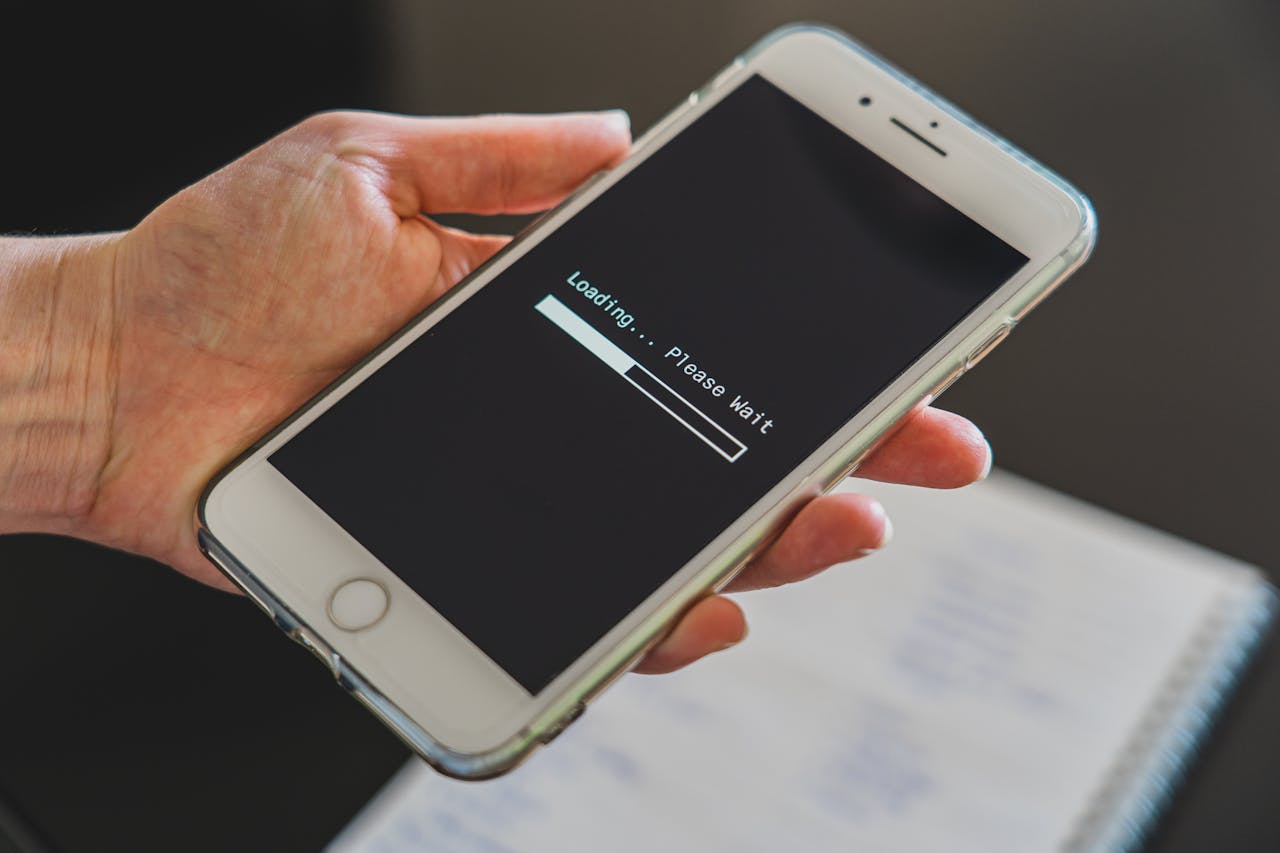
Some QR menus behave like gallery pages, packed with oversized photos, animations, and endless scroll. At peak hours, that weight turns into spinning loaders, missing sections, and guests refreshing pages while staff does laps. If Wi-Fi requires a sign-on portal, the stall doubles, and the table sits stuck.
Pros pick speed over sparkle. Compressed images, real text, and simple navigation gets people to drinks, starters, and mains quickly. Fast loading also prevents a contagious moment: one table struggles, then tables around it test their links, and suddenly the room feels slower than it should. The kitchen feels it in ticket timing.
Using Tiny PDF Scans Instead Of Real Pages
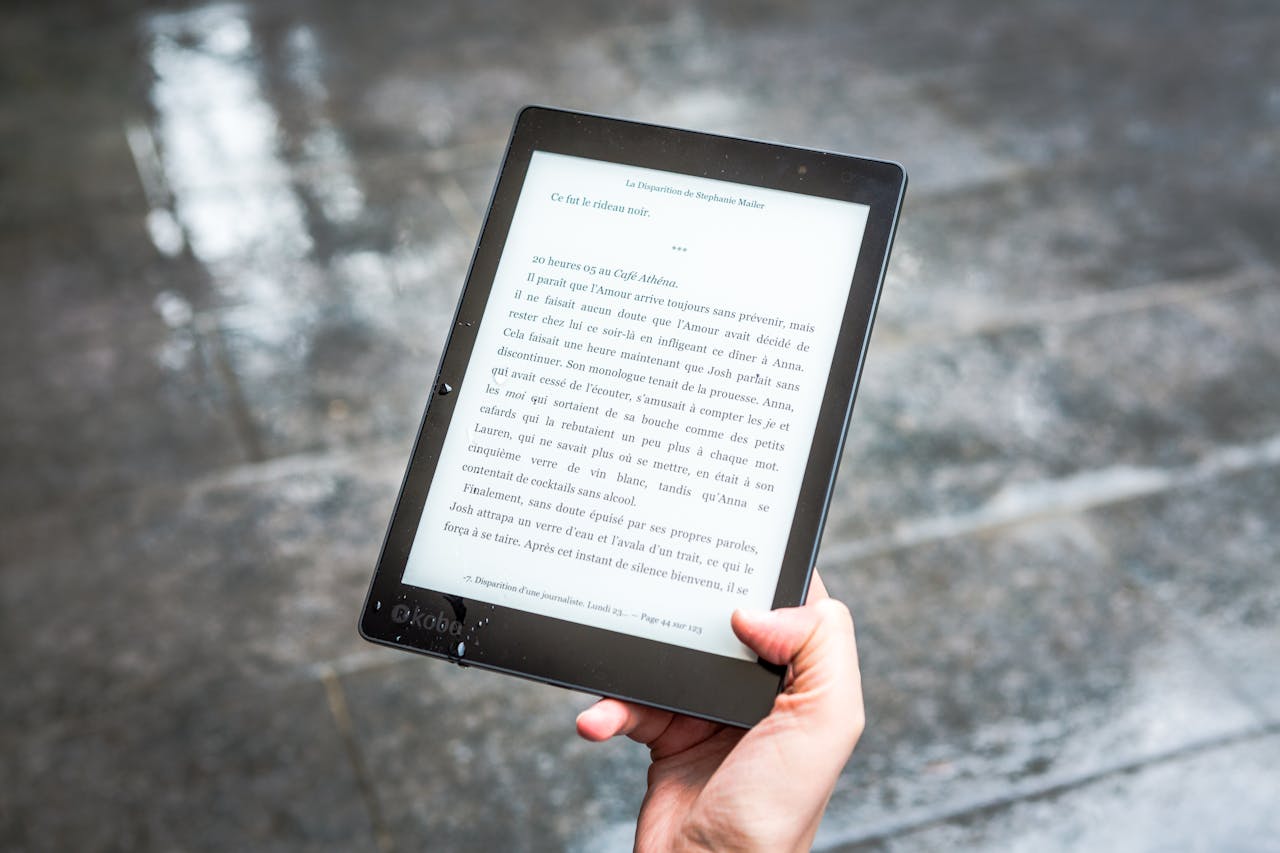
A QR code that opens a scanned paper menu as a PDF turns ordering into pinch-and-zoom work. On phones, small type fights glare and low light, pages rotate, and tap targets miss. Guests stop reading and start asking staff to recite options, which steals time right when every table needs attention. Even the daily special seems buried.
Pros push for mobile-first pages with real text, clear headings, and jump links for sections. That format respects larger font settings and screen readers, which helps mixed-age groups. When a menu is readable, questions become decisions, and decisions become tickets the kitchen can execute without backtracking.
Letting The QR Menu Drift Out Of Sync

Peak hours expose every mismatch between the screen and the kitchen. When an item is sold out, a price shifts, or a garnish changes, the QR menu can keep selling the old version. Staff then has to walk orders back, offer substitutes, and reset expectations while new tables are ready. If the change is caught late, a ticket gets voided after food has started.
Pros say the real cost is the second decision cycle. Clear sold-out flags, time-stamped specials, and a quick pre-service check keeps the menu honest. When the digital menu matches reality, guests trust recommendations, servers stop apologizing mid-rush, and the room moves with less drag.
Treating The QR Code Like It Never Needs Care
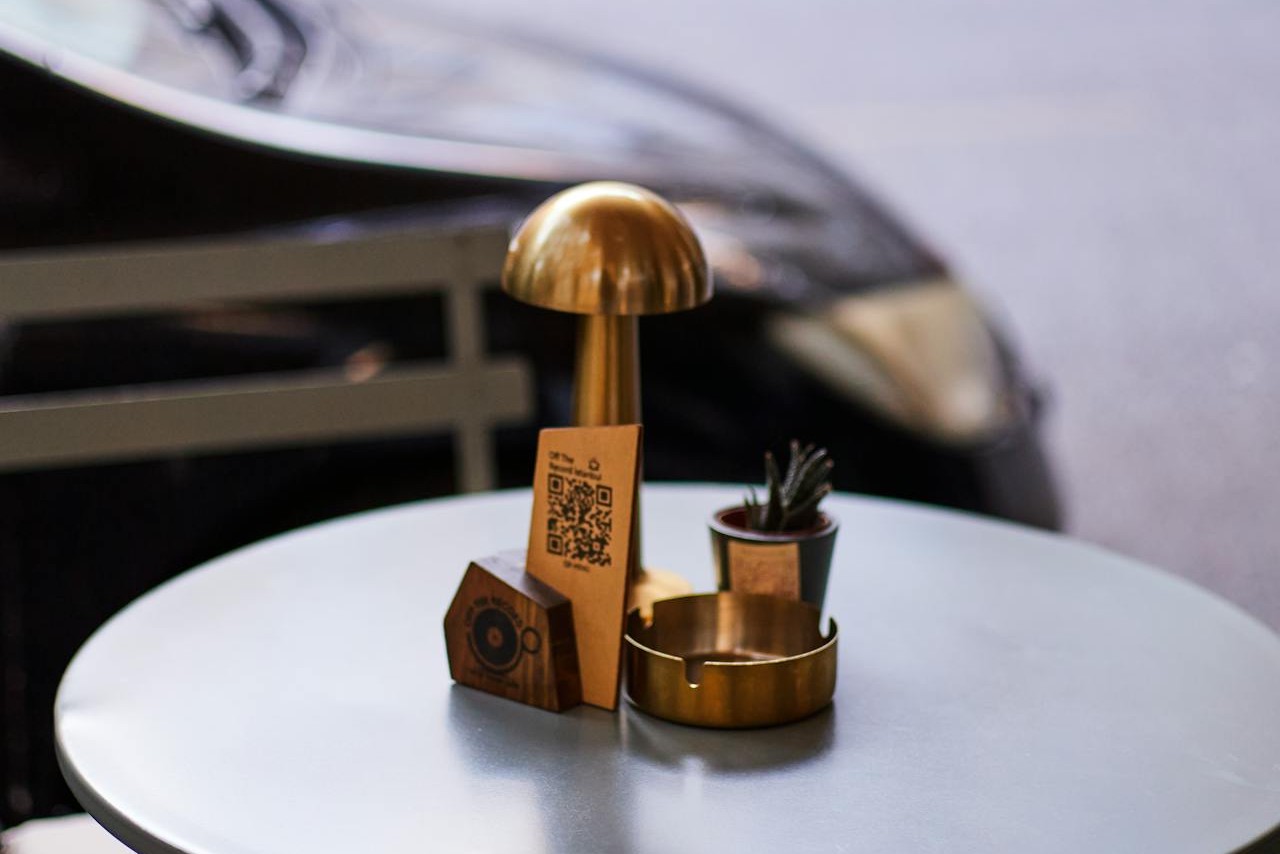
QR stickers live a hard life: sanitizer, sunlight, spilled drinks, and constant wiping. When a code fades, peels, or gets covered by a table tent, guests try a few angles, then give up and flag staff during the busiest stretch. Even a small smudge can break a scan on older cameras, and moved tables can leave codes in awkward spots.
Pros aim for boring reliability. A weekly check, laminated backup cards, and a short URL printed in plain text keep the system resilient. The host stand can share the URL when needed. If the link ever changes, a redirect from the old address saves a room full of broken scans and prevents a reset at every table.
Burying The Basics Under Endless Modifiers
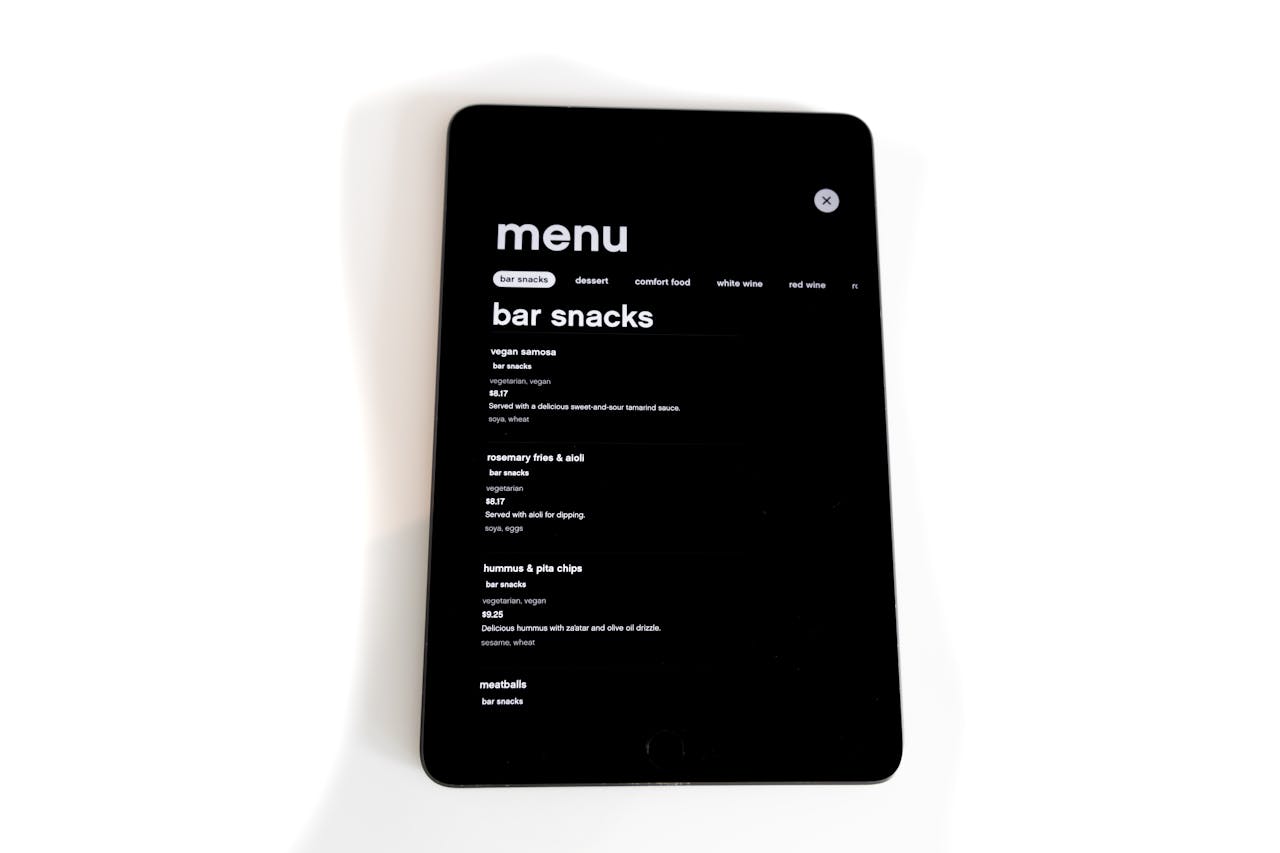
Some QR menus bury the dish under modifiers, add-ons, and pop-ups. Guests scroll past upsells, expand tabs, and lose track of what comes standard, so ordering slows and mistakes rise. On small screens, long option lists feel heavier than they are, and the table’s talk turns into quiet phone focus. One mis-tap can rewrite an order.
Pros build for clarity: a clean name, a short description, and only the most common swaps. Allergens and dietary notes work better as simple labels than hidden submenus. When the default is obvious, servers spend less time decoding, the kitchen sees fewer remakes, and tables move on without revisiting choices.
Hiding Timing Fees And Fine Print

Peak service slows when key details are buried: happy hour cutoffs, automatic gratuity for large parties, corkage, or small sauce charges. On a QR menu, that information can sit at the bottom of a long page that few people reach until the bill arrives. Even a minor surprise can sour the last ten minutes and turn checkout into a debate. Trust takes a hit.
Pros want rules visible early. Clear banners for time-based deals, plain notes on service charges, and a simple FAQ link keeps expectations steady. When policy is easy to find, staff spends less time explaining and more time being present, which is what guests remember in a busy room.